

Vehicle owners
Claim your tag, control what's visible, and reply to messages from your dashboard — or hand off access to a trusted delegate.
Privacy-first vehicle contact
Scan or tap a SafeReach tag on any vehicle to send its owner a message. Phone numbers, addresses, and ID details stay private on both sides.
A real scenario, start to finish — from a blocked car to a resolved conversation.
Step 1
A parked vehicle is blocking someone else's car — with no way to reach the owner, until they spot a SafeReach tag on the windshield.
Step 2
One scan of the SafeReach QR tag with any phone camera — no app to install, no account needed.
Step 3
A simple message screen opens — their identity and phone number stay hidden the whole time. They type a message and send it, no personal details required.
Step 4
Wherever they are, the owner gets an alert right away — the sender's identity stays protected throughout.
If the driver can’t speak for themselves, anyone nearby can get help from the tag in seconds.
Step 1
A driver is hurt and can’t answer. A passer-by stops to help, but has no way to reach the family.
Step 2
Any phone camera opens the vehicle’s page. No app and no sign-in, and the owner’s number stays hidden.
Step 3
One tap calls an ambulance (1990) or the police (119), or alerts the family. The helper can share their location too.
Step 4
The owner’s emergency contacts get an SMS with the vehicle and a map link, so they can act while help is on the way.
Owners add up to 3 emergency contacts (1 on the Free plan) for each vehicle. SOS works on every plan, even after the paid year ends: you and your contacts are alerted by SMS.
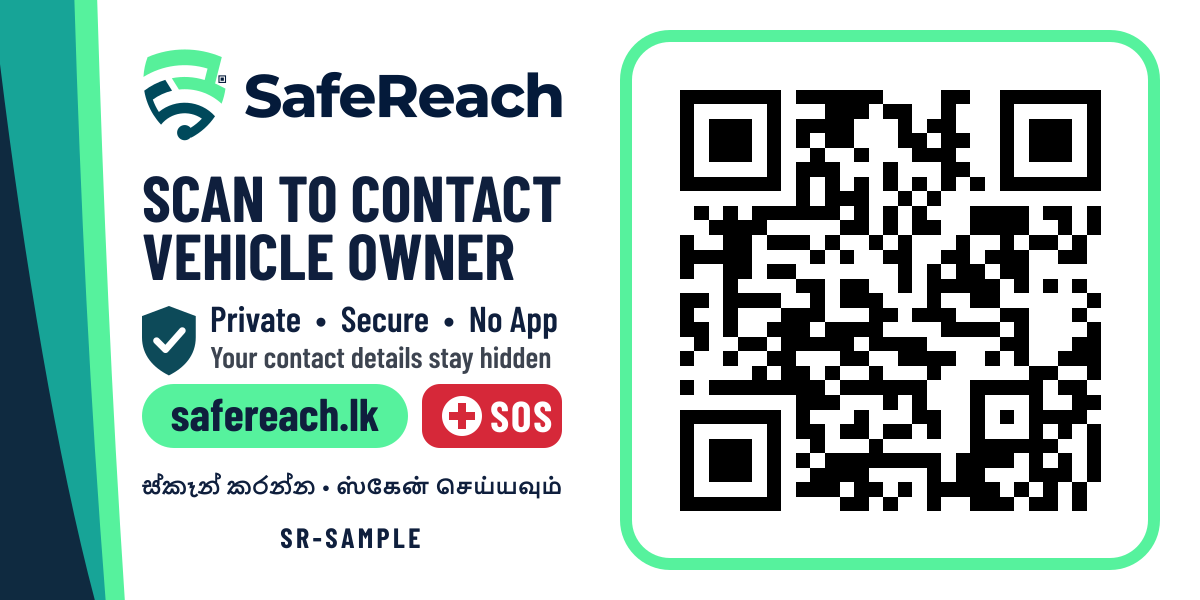
The tag: 100 × 50mm, with its own QR code tied to your verified order.
Scan this with your phone camera, or tap the button.
See SafeReach exactly as the person who finds a car does. The sample car’s owner answers automatically, and nothing reaches a real person.
Sample chats are deleted after a few hours.
Registration and insurance, shared for a few minutes at a time — approved by you, and never stored on the other person's phone.
Step 1
A traffic officer or anyone standing at your vehicle scans the SafeReach tag and requests to view the registration and insurance — no phone number or personal details are ever shown.
Step 2
You get the request instantly, see who's asking and why, and approve access for a short window — 10 minutes, one view — or decline it outright.
Step 3
The approved documents open in a protected, watermarked viewer with a visible countdown. Saving, copying, and printing are disabled, and access ends automatically.
Step 4
With registration and insurance verified on the spot, the driver is waved on — no printouts to carry, and no fine for paperwork they actually have.
The same private message works for any situation that needs a vehicle owner's attention — not just a blocked car.
If it's an emergency, call emergency services first — then send an instant, private alert to the vehicle owner through SafeReach.
Witnessed a scrape or dent on a parked car? Attach a photo — only if you choose to — and send a secure report straight to the owner.
Rain rolling in and a window's still down? A quick scan sends the owner a private heads-up before it becomes a bigger problem.
Headlights left running can drain a battery fast — flag it to the owner in seconds, no app or sign-up needed.
Three very different people rely on the same tag working correctly.
Claim your tag, control what's visible, and reply to messages from your dashboard — or hand off access to a trusted delegate.
No account, no app, no sign-up. Scan the tag, send a message, and optionally leave a contact so you can find your way back to the conversation.
Support and admin staff can investigate abuse reports and manage tags — but reading a conversation's content always needs a second staff member's sign-off first.
Every protection below is enforced in the product, not just written in a policy.
Messages are relayed through SafeReach. The person who scans your tag never sees your phone number, address, or ID details.
Your vehicle's make, model, colour and plate show by default — anything else stays hidden unless you turn it on.
A scanner shares a photo or their location only if they actively choose to. Nothing is collected without asking.
SafeReach support can only view a case's messages with a second staff member's explicit, logged approval — and can never reply on your behalf.
SafeReach reads your device's language automatically — Sinhala, Tamil, or English — and you can switch manually at any time.
Grant a delegate access to help manage your tag and respond to messages, without ever sharing your own sign-in.
SafeReach tags are sold directly by SafeReach and tied to a verified order, so every tag can be traced back to a real purchase. See the plans and prices, then order yours. You only sign in when you place the order.
Order your tagAlready have a tag? Sign in to claim it
It goes inside the windshield and reads normally from outside. Clean the glass, peel, place, then check it from outside.
Installed inside the windshield, adhesive side out — always reads correctly from outside, never mirrored.
No. Every message is relayed through SafeReach — your phone number, address, and ID details are never shown to anyone who contacts you.
You pay once for the tag, and the first year includes everything. After that your vehicle stays on the Free plan for good (chat, app and email alerts, SOS), or you can renew Plus or Pro for SMS, WhatsApp and more. Current prices are on the order page.
You get an instant alert in the app and by email on every plan, plus SMS with Plus or Pro and WhatsApp with Pro. SOS alerts come by SMS on every plan, Free included. If a high-priority message goes unopened, you get one automatic reminder.
In an accident, anyone at your vehicle can press SOS on the tag to call an ambulance (1990) or the police (119), share their location, and alert your emergency contacts by SMS. SOS works on every plan, even after the paid year ends.
Yes, up to 10 tags in one order, with a discount on bigger orders and free delivery. Each tag is set up for its own vehicle, and each vehicle can send its alerts to a different phone or email, such as its driver.
Yes. By default your vehicle's make, model, year, colour, and plate number are shown; a nickname or category stays hidden unless you choose to show it.
Yes. Scan the sample tag on this page, or open it from “Try it”: report something, chat with the sample owner, and see SOS and document sharing. The sample owner answers automatically, and nothing reaches a real person.
It stays open briefly, then locks to read-only. All case data is deleted automatically after a set retention period, unless it's part of an active investigation.
Only with a second staff member's explicit, logged approval for a stated reason — and even then, staff can never post a reply on your behalf.
No — everything works in your phone's browser, sign-in included. You can optionally add SafeReach to your home screen for quicker access, but it's never required.
Sinhala, Tamil, and English. The site detects your device's language automatically on first visit, and a switcher is always available if you'd rather choose yourself.
Yes — you can grant a trusted delegate access to help manage your vehicle's tag and respond to messages, without sharing your own sign-in credentials.
Order your tag, or scan one to send a message. Either way, no personal details ever change hands.
Get started